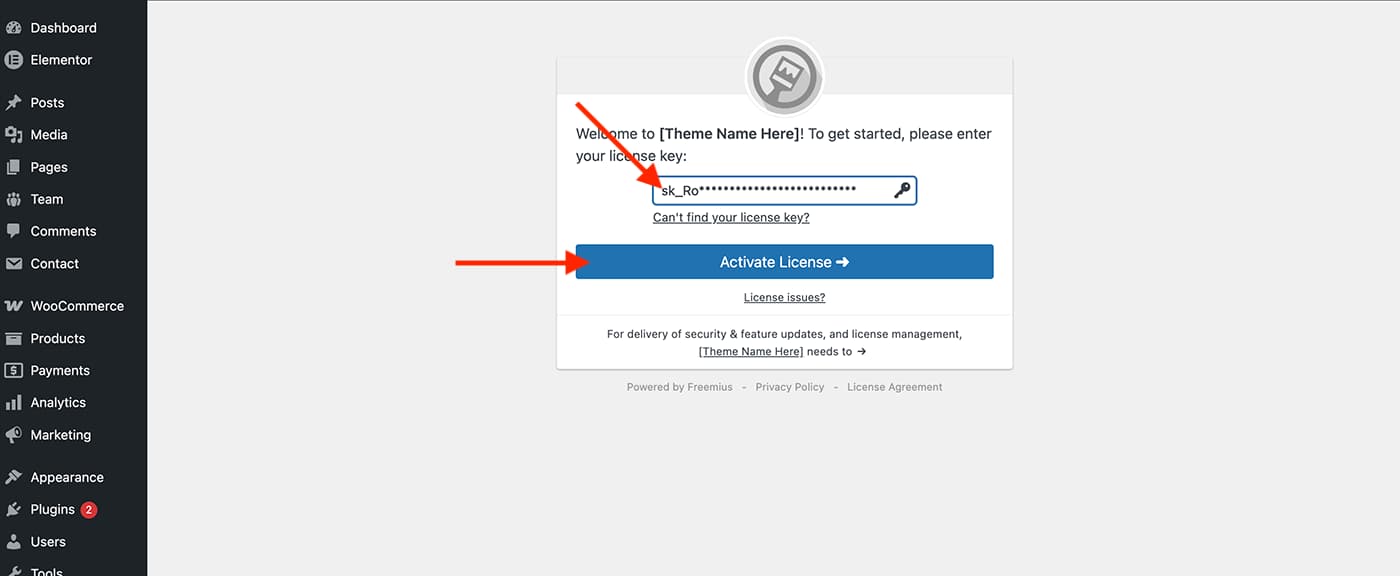
After uploading and activating the theme, you will be prompted to enter your license key. This step is required to fully activate the theme. If you skip this step or leave the page, the theme will remain inactive.
You can find your license key in the payment confirmation email you received. Alternatively, you can log in to your QreativeThemes account with the credentials provided in the email.
When activating the theme, you will see a screen where you can enter your license key and click Activate License.
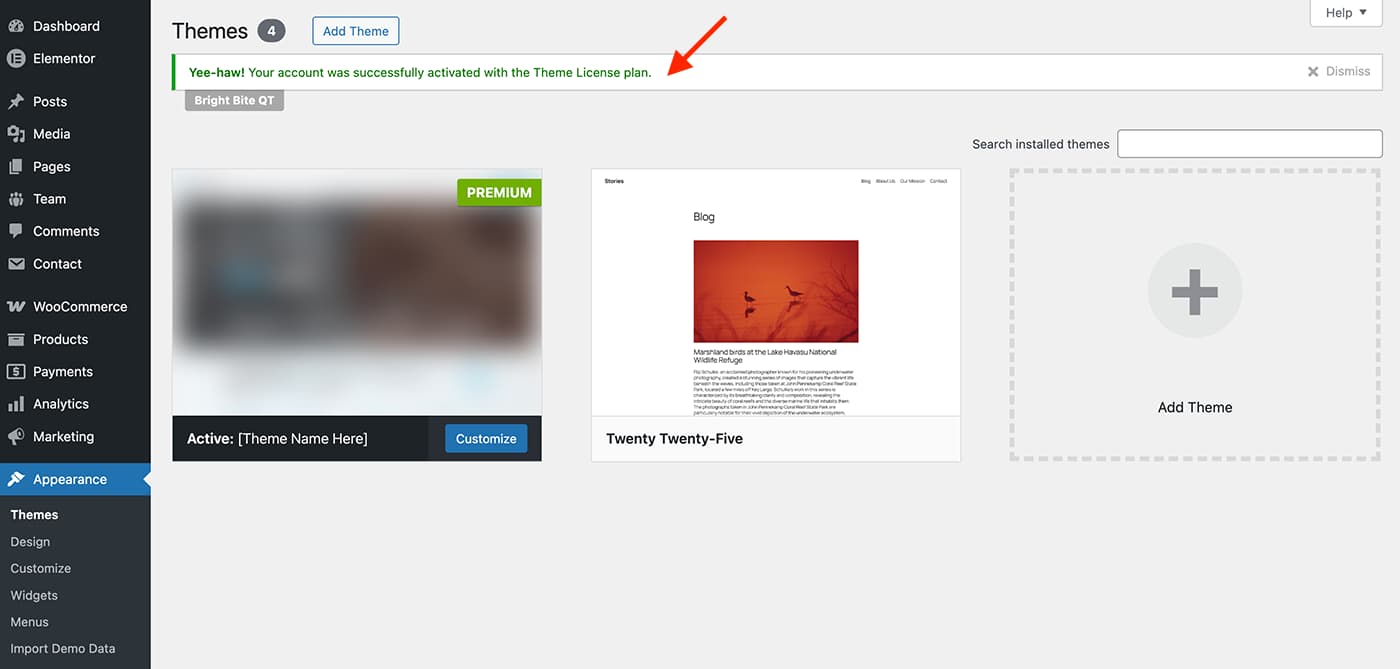
After a moment, you will be redirected to the Themes page, where an Activated notice will appear at the top.