
To get started quickly, use the demo content installer found under the Appearance tab. It imports all pre-built pages from the theme demo for you.
Please install and activate all required plugins before you import the demo content !
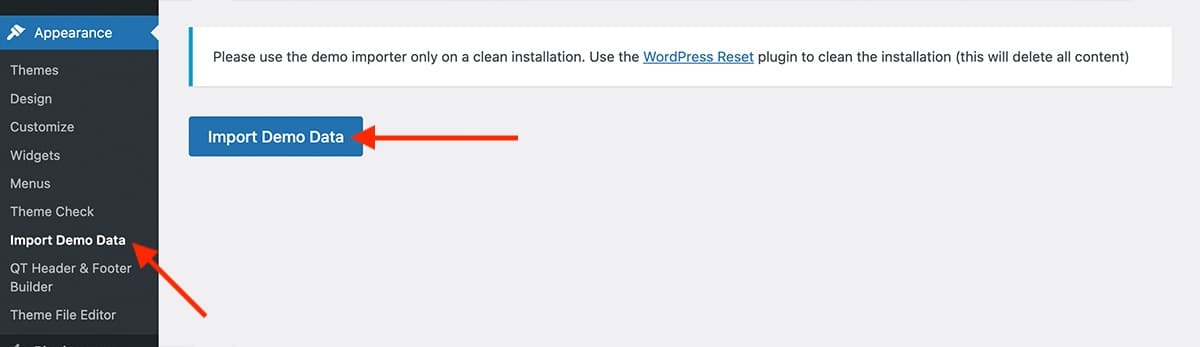
- Go to Appearance → Import Demo Data
- Click on the Import Demo Data button
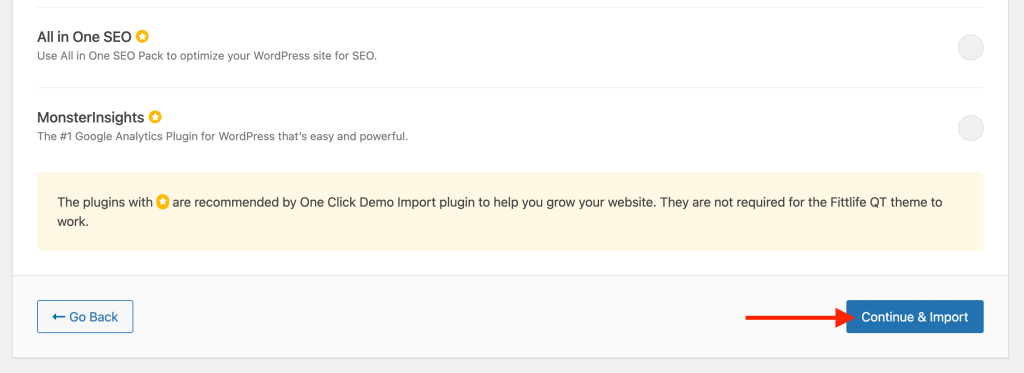
- Click the Continue & Import and wait till you see the finished message (no need to install the recommended plugins here)
The theme is now fully installed and ready to be edited. Enjoy the theme!