
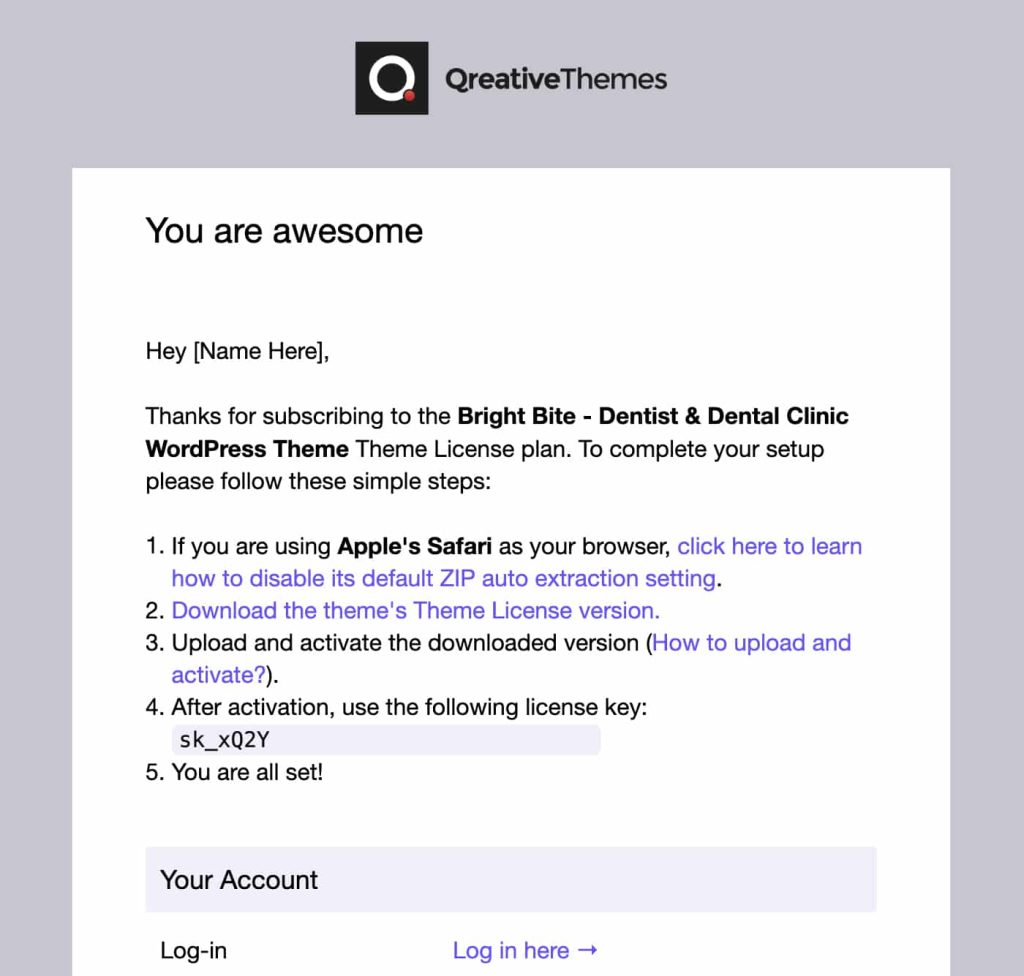
From the confirmation email you received after your payment was successful, you can download the theme and view your license key.
To install your WordPress theme, follow these steps:
- Log in to your WordPress admin area.
- Go to Appearance → Themes.
- Click Add New at the top of the page.
- Then click on Upload Theme.
- Upload the theme .zip file (you can download it from your payment confirmation email—see image above).
- Click Install Now.
- After the upload is complete, go to Appearance → Themes.
- Hover over the theme thumbnail and click Activate.