
Under Appearance → Customize you can make global changes to the theme like colors and typography, but also settings to hide the footer or topbar.
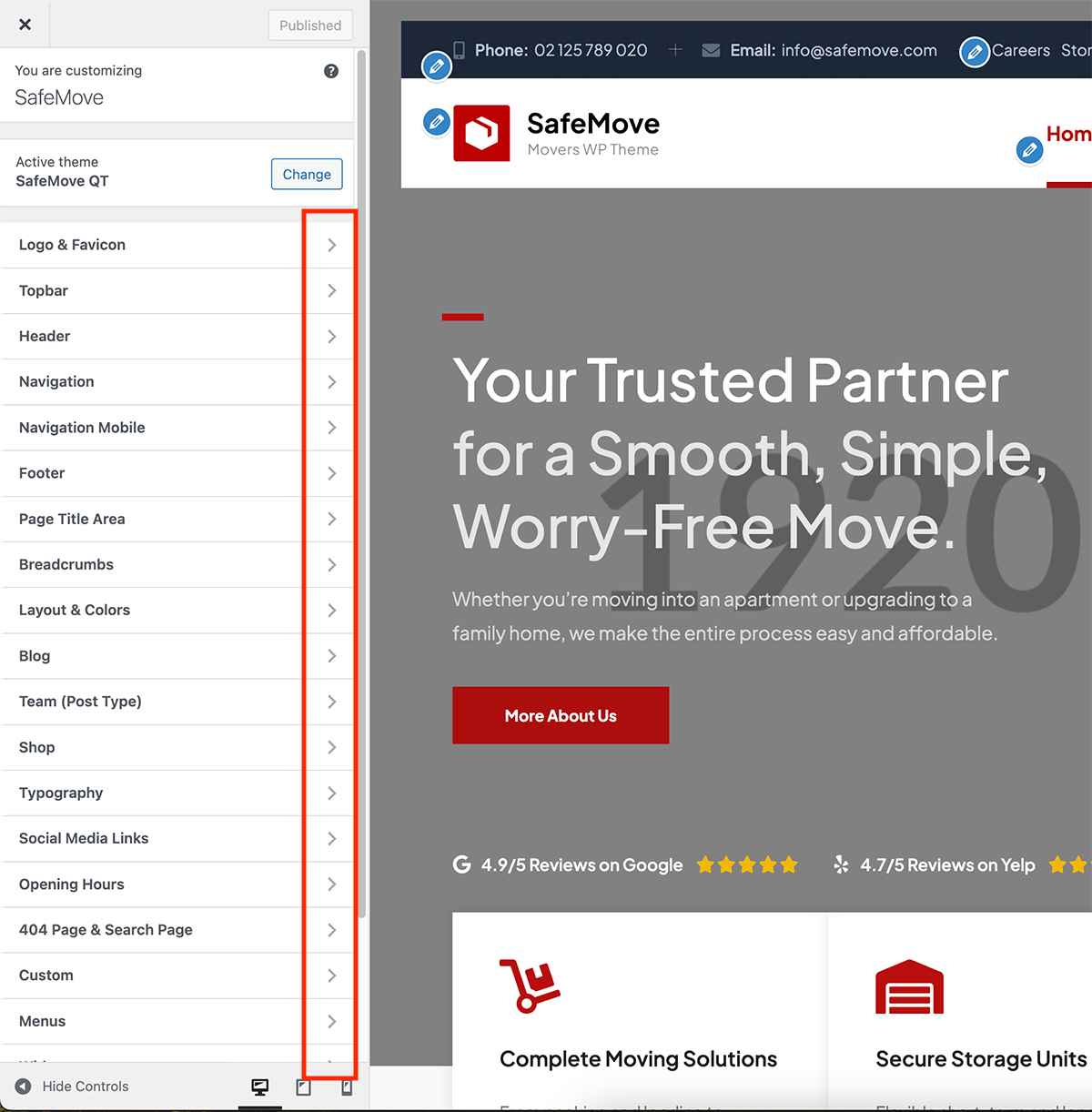
The global color scheme of the theme can be customized under the “Layouts & Colors” tab, where you can adjust the “Primary Color” and “Secondary Color” settings.
Typography settings can be changed in the “Typography” panel. For more details, refer to our typography documentation.
For header settings, please refer to our header documentation, and for footer settings, see our footer documentation.