
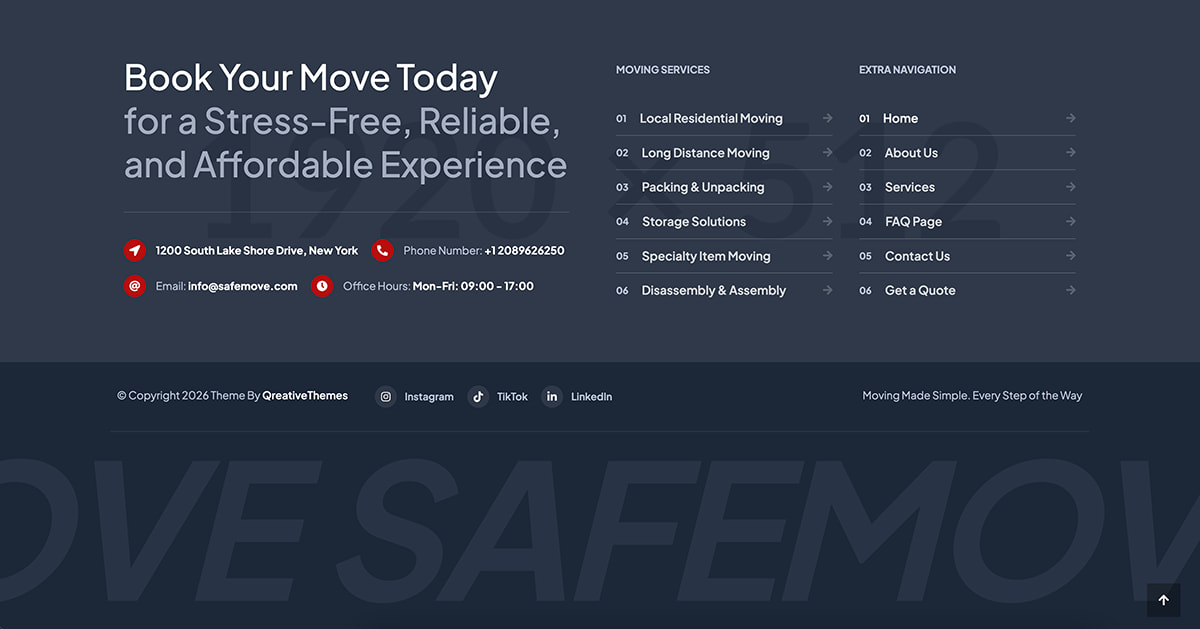
The theme footer can be customizer with Elementor Page Builder by following these steps:
- Go to Appearance → QT Header & Footer Builder
- Edit the “Footer” post with Elementor
- Ensure the “Type of Template” setting is set to “Footer” and the “Display On” setting is set to “Entire Website”.
- Now, the footer section created in Elementor should be visible across the entire website.

Native widgets instead of Elementor?
You may prefer using native WordPress widgets and the Live Theme Customizer to build your footer area, instead of using Elementor Page Builder, you can do this via:
- Go to Appearance → Widgets.
- In the “Footer — Column” and “Footer — Bottom” panels, you can add your widgets.
- To customize the colors of the footer, go to Appearance → Customize → Footer.