SafeMove is available exclusively through our official website. All payments are securely processed via Freemius, ensuring a safe and reliable checkout experience.
To get started, visit the pricing section on the SafeMove page on our website.
Step 1: Open the Checkout
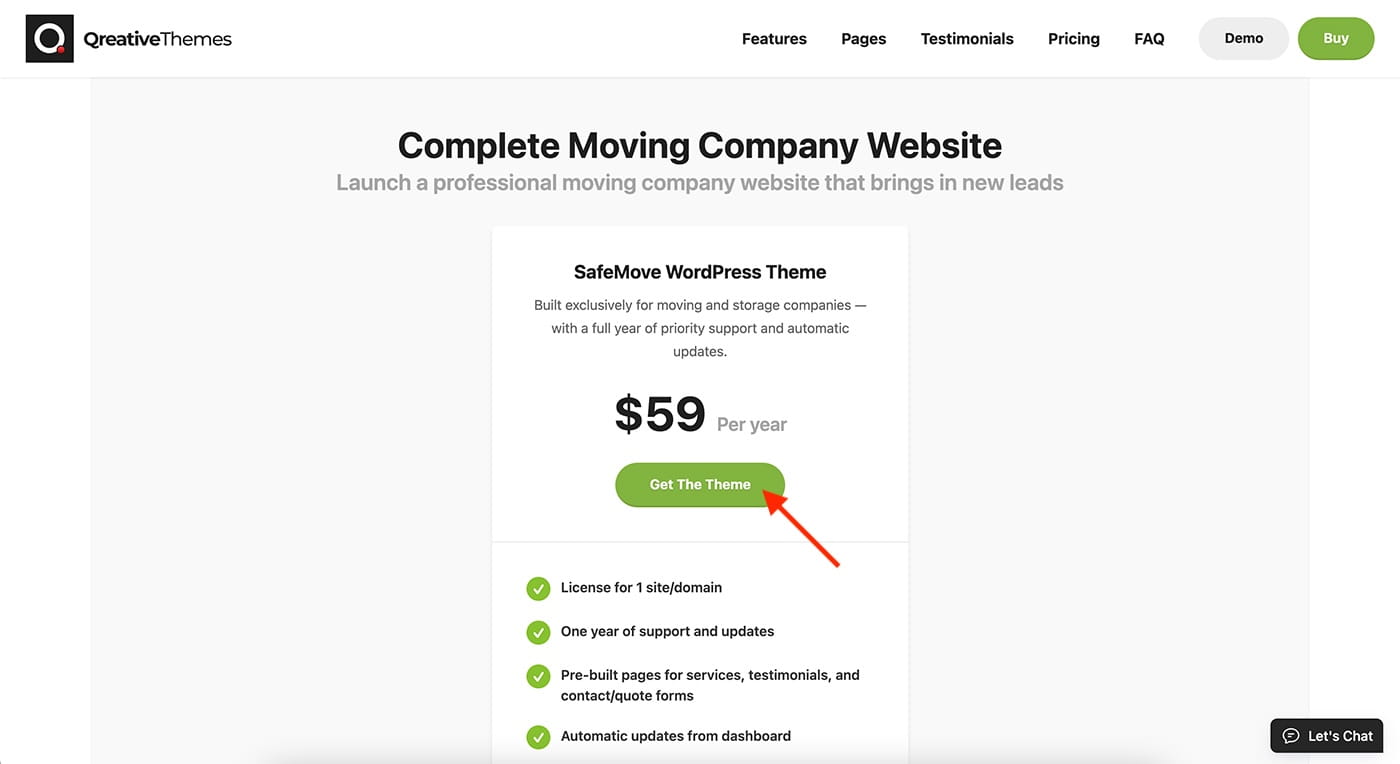
Click the “Get The Theme” button. This will open the checkout overlay.
Step 2: Enter Your Details
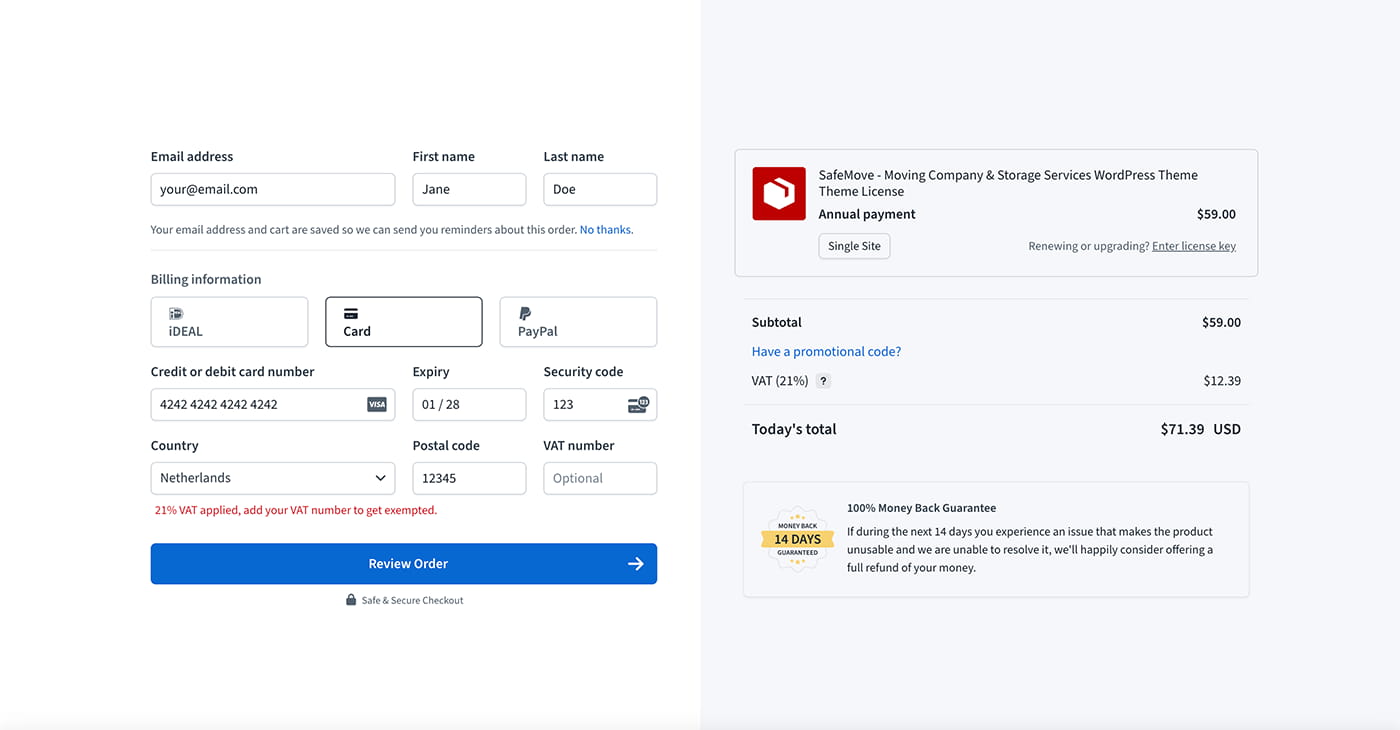
As part of the checkout process, please provide the following details:
- Email address (We’ll send your license key here and automatically create your account).
- First name
- Last name
- Country
- Postal Code
- VAT number (optional)
Once you’ve filled in your personal information, continue to the billing section.
Select Your Payment Method
- Card (Pay with major credit cards, including Visa, Mastercard, and AMEX)
- PayPal (Use your PayPal account to complete your purchase)
After entering the required information and selecting your preferred payment method, click “Review Order” to proceed to the next step.
Step 3: Review Your Order
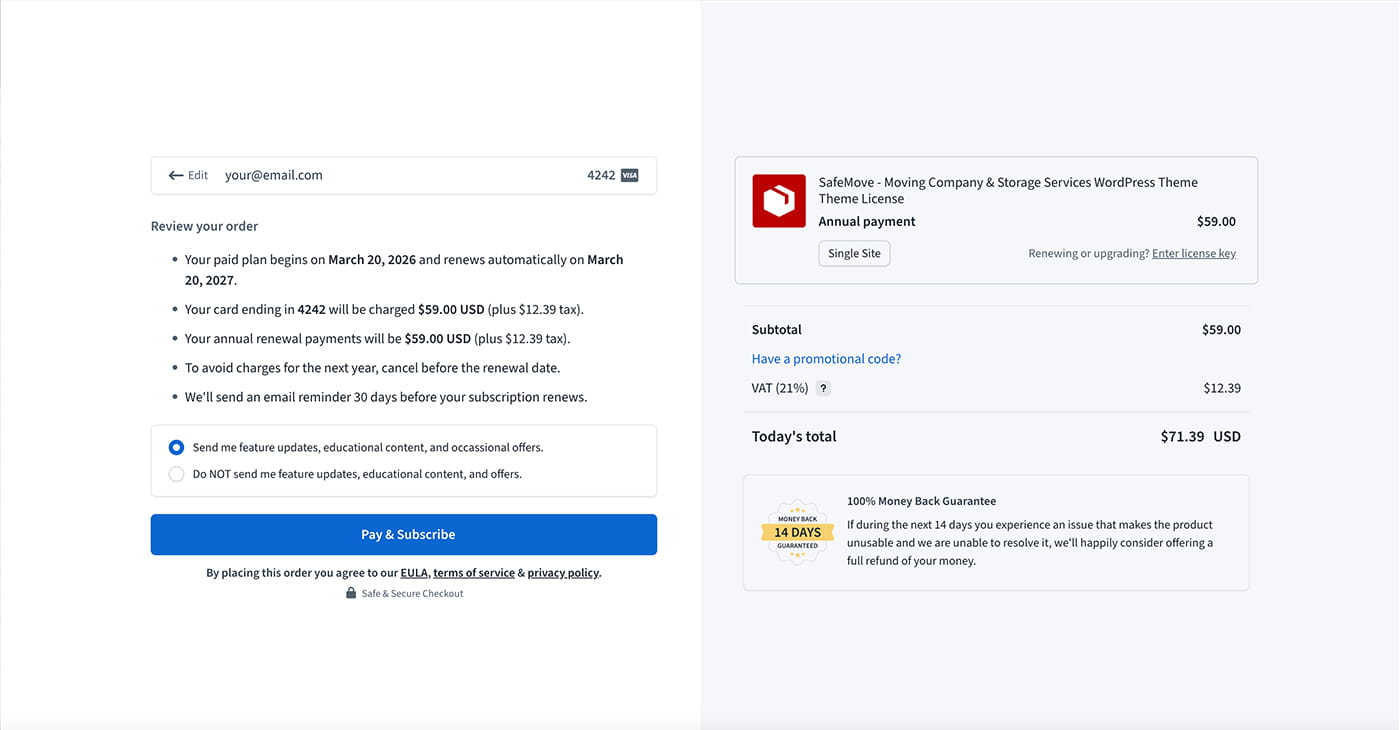
Once you’ve entered your personal and billing information, you’ll be taken to a page where you can review your order. This includes a summary of your details and the plan you’ve chosen.
Give everything a quick check, and when you’re happy, click “Pay & Subscribe” to finish your purchase.
Step 4: Confirmation
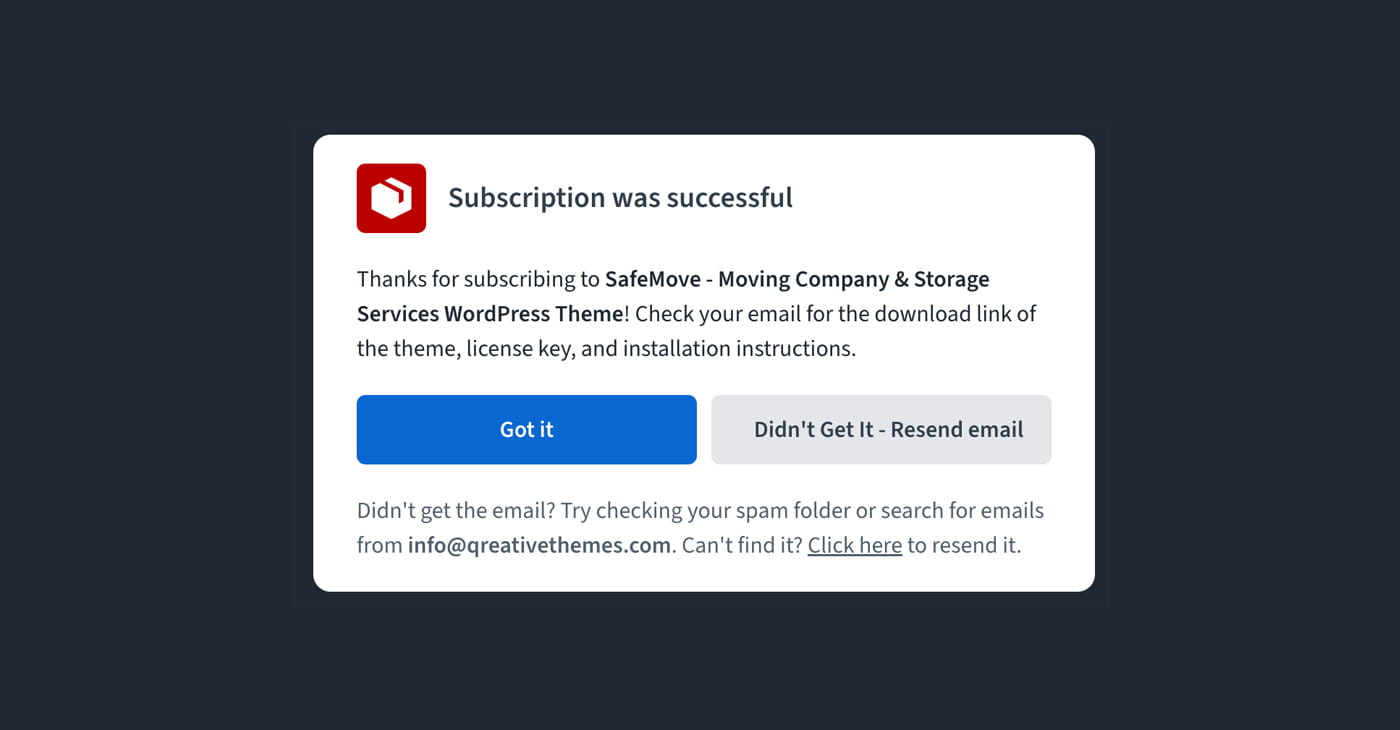
After your payment is successful, you’ll see a confirmation screen letting you know your subscription is active.
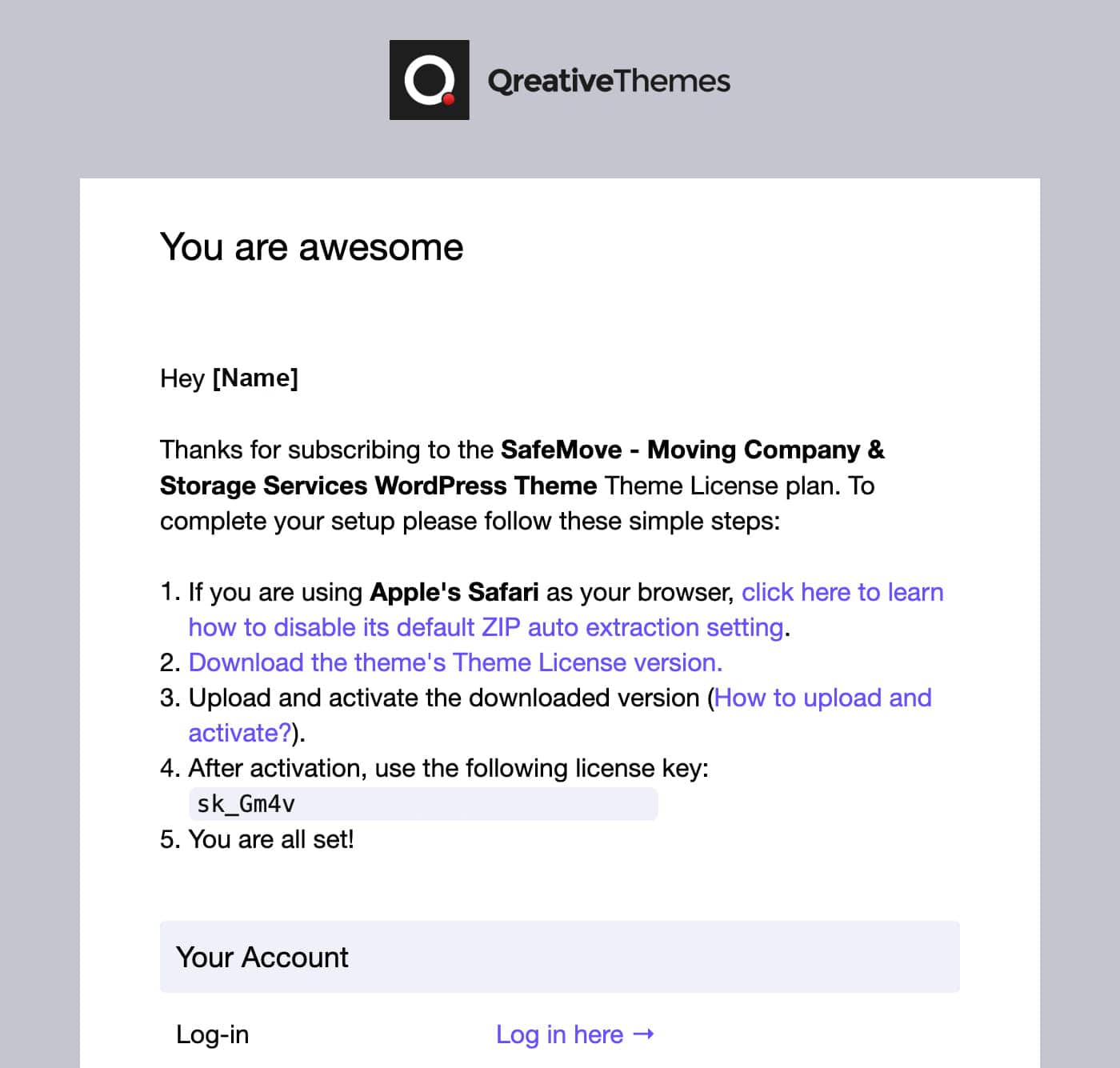
You’ll also receive a confirmation email shortly after your purchase. Be sure to check your inbox, it will include all the important details, as shown in the image below: