
Logo
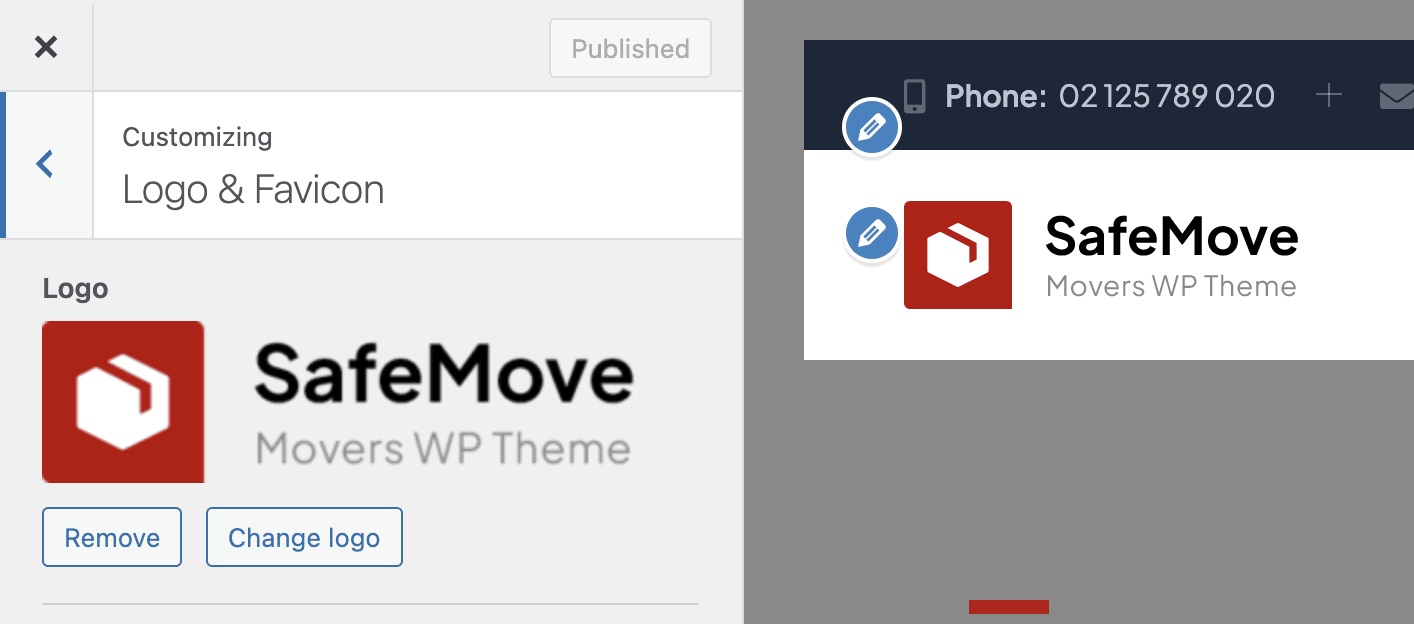
The logo can be changed under Appearance → Customize → Logo & Favicon
Retina Logo
If you want to use a retina logo, make sure it is exactly 2x the size of the regular logo. For example, if your regular logo is 180×90 pixels, the retina logo should be 360×180 pixels.
Favicon
You can change the favicon in the “Site Icon” setting, located in the same logo panel under Appearance → Customize → Logo & Favicon.