
By default the page heading section is automatically added to each page by our theme. If you want to add this in Elementor you can follow these steps:
- Go to Appearance → Customize → Page Heading
- Set the “Page Heading” setting to “Hide (Elementor pages only)”
- Save the settings
Now the page header section of the theme has been removed on all pages using Elementor Page Builder.
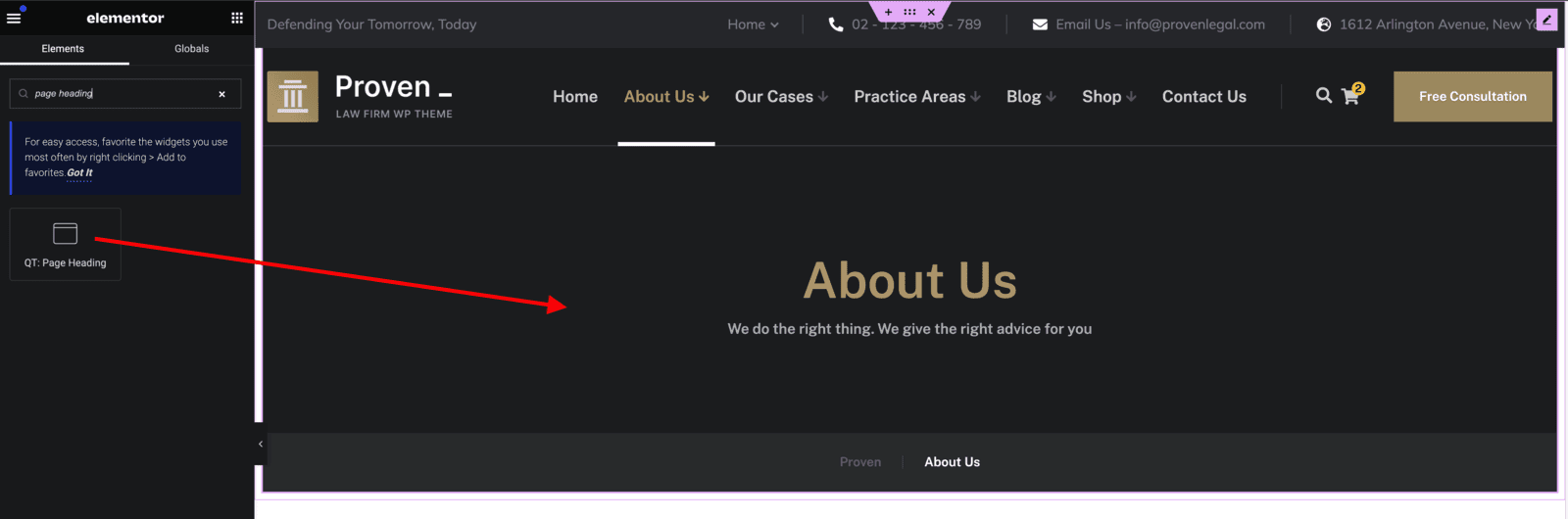
When editing a page with Elementor, you can add the “QT: Page Header” widget, which will add the page header section to that page.