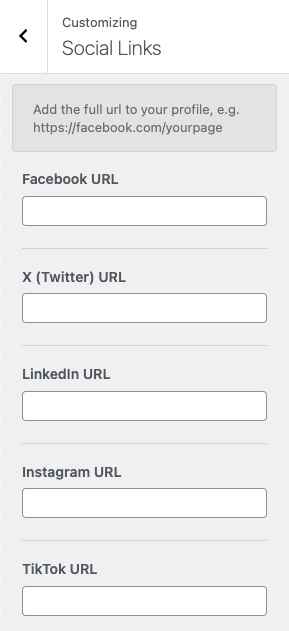
Getting Started Upload Theme Install Plugins Import Demo Content Update Theme Header Logo & Favicon Topbar Navigation Button Mega Menu Elementor Header Footer Page Builder Customizer Typography Page Heading Elementor Breadcrumbs Homepage Hero Image / Slider Blog Contact Forms Form templates Configure sending details Forms don’t work Shop Setup Shop Sidebar Widgets Featured Page (Carousel) Opening Hours Social Icons Team Shortcodes Buttons Font Awesome Icons Tables Embed Video Translation WPML Polylang Loco Translate Manual Translation Extra Demo Images Child Theme Support Changelog Rate the Theme Social Icons To add links to your social media profiles, go to Appearance → Customize → Social Links. Then, within Elementor, you can use the QT: Social Icons widget to display the social media icons on your site.