
Under Appearance → Customize → Typography you can change the typography of the theme. All controls are grouped into different panels:
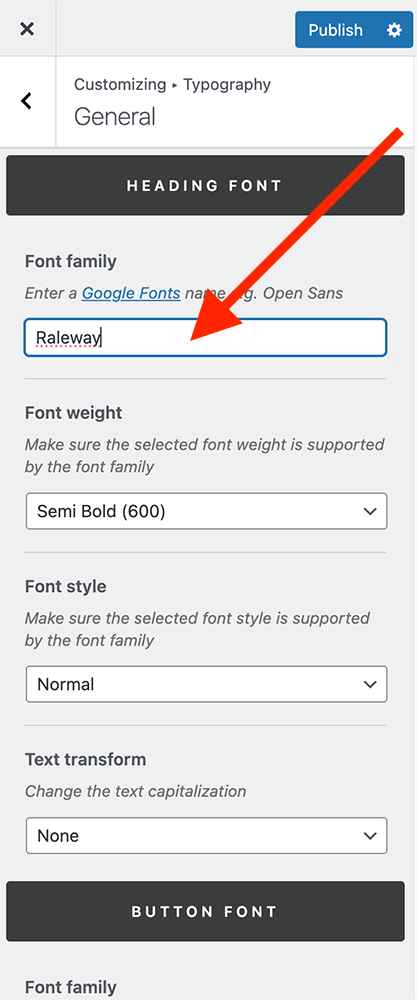
- The base text and heading fonts can be changed in the “General” panel
- The theme navigation fonts can be changed in the “Navigation” panel
- Change page title and subtitle font in the “Page Title Area” panel
- The footer font styles can be changed in the “Footer” panel
Changing the fonts
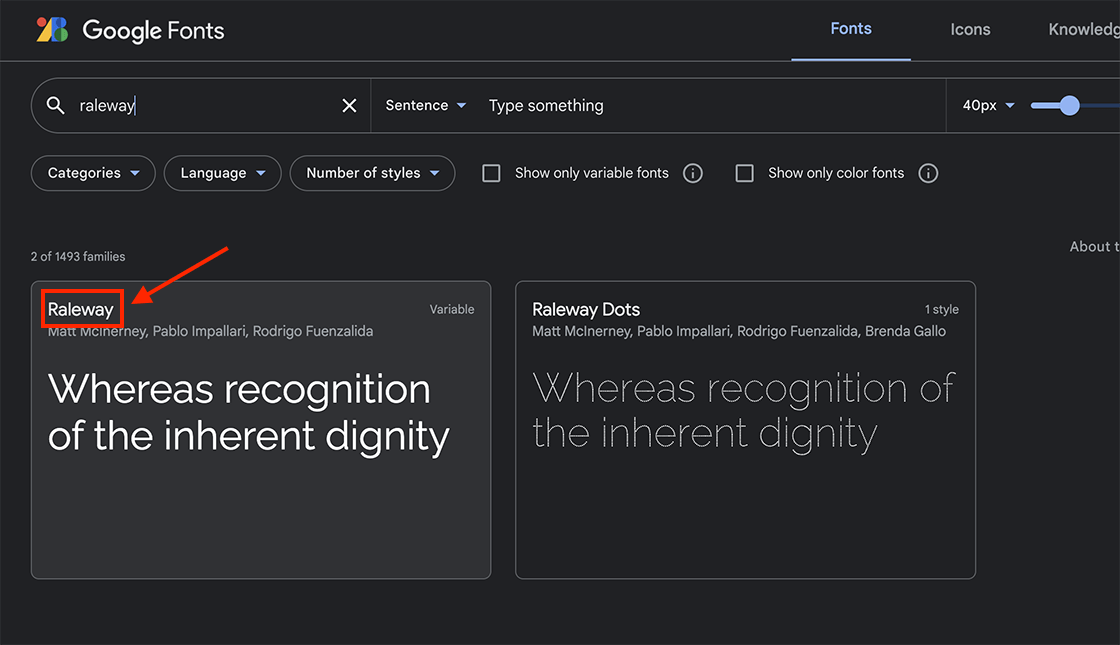
The theme uses fonts from Google Fonts. To change the default font, simply enter the name of another Google Font in the “Font Family” settings.
Other font related settings: