
QreativeThemes
  • Home
  • Support
    • Support Desk
    • Hire Us
  • Contact Us
Get our Themes

Qreative Header Footer Designer Documentation

  • Getting Started
    • Requirements
    • Classic Theme
    • Installing the Free Plugin
    • Installing & Activating PRO
  • Widgets
    • Site Logo Widget
    • Navigation Widget
    • Search Overlay Widget
    • Pro: Mini Cart Widget
    • Pro: Overlay Trigger Widget
    • Pro: Reusable Section Widget
  • Template Types
    • Header Template
    • Footer Template
    • Pro: Mega Menu Template
    • Pro: Off-Canvas Panel Template
    • Pro: Modal / Popup Template
    • Pro: Reusable Section
  • Display Conditions
    • Pro: Display Conditions

Qreative Header Footer Designer

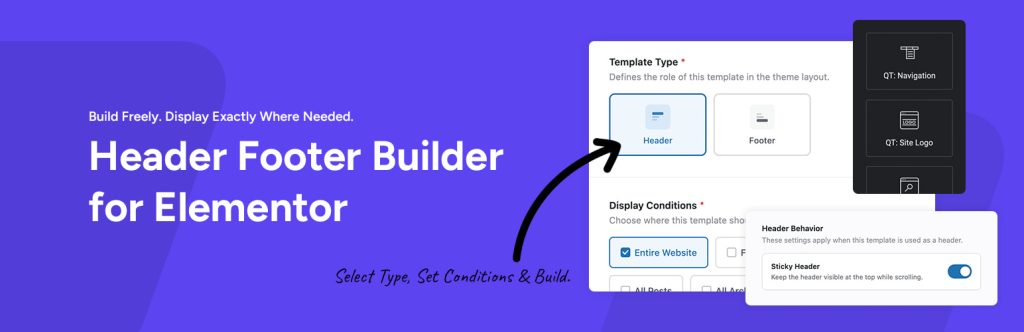
Qreative Header Footer Designer gives you full control over your WordPress site’s headers and footers, built entirely with Elementor’s visual editor.

Once the plugin is installed, simply create a new template, select whether it’s a header or footer, define the display rules for where it should show up, and then customize the design however you like using Elementor.

  • Getting Started
    • Requirements
    • Classic Theme
    • Installing the Free Plugin
    • Installing & Activating PRO
  • Widgets
    • Site Logo Widget
    • Navigation Widget
    • Search Overlay Widget
    • Pro: Mini Cart Widget
    • Pro: Overlay Trigger Widget
    • Pro: Reusable Section Widget
  • Template Types
    • Header Template
    • Footer Template
    • Pro: Mega Menu Template
    • Pro: Off-Canvas Panel Template
    • Pro: Modal / Popup Template
    • Pro: Reusable Section
  • Display Conditions
    • Pro: Display Conditions
Last modified July 2, 2026
About

This is a documentation and knowledge base website about how to install, setup and use all WordPress themes developed by QreativeThemes.

© Copyright 2026 QreativeThemes

Links
  • Home
  • Support
  • WordPress Themes
  • Contact Us
Support

Can’t find what you’re looking for? No worries, please create a ticket on our support desk and we will be happy to help you with any question.

→ Go to Support